
Educational Toy Voice Recording: From Approved Script to Production Audio
A controlled audio workflow for talking pens, talking toys, flash card machines, logic products and sound books.
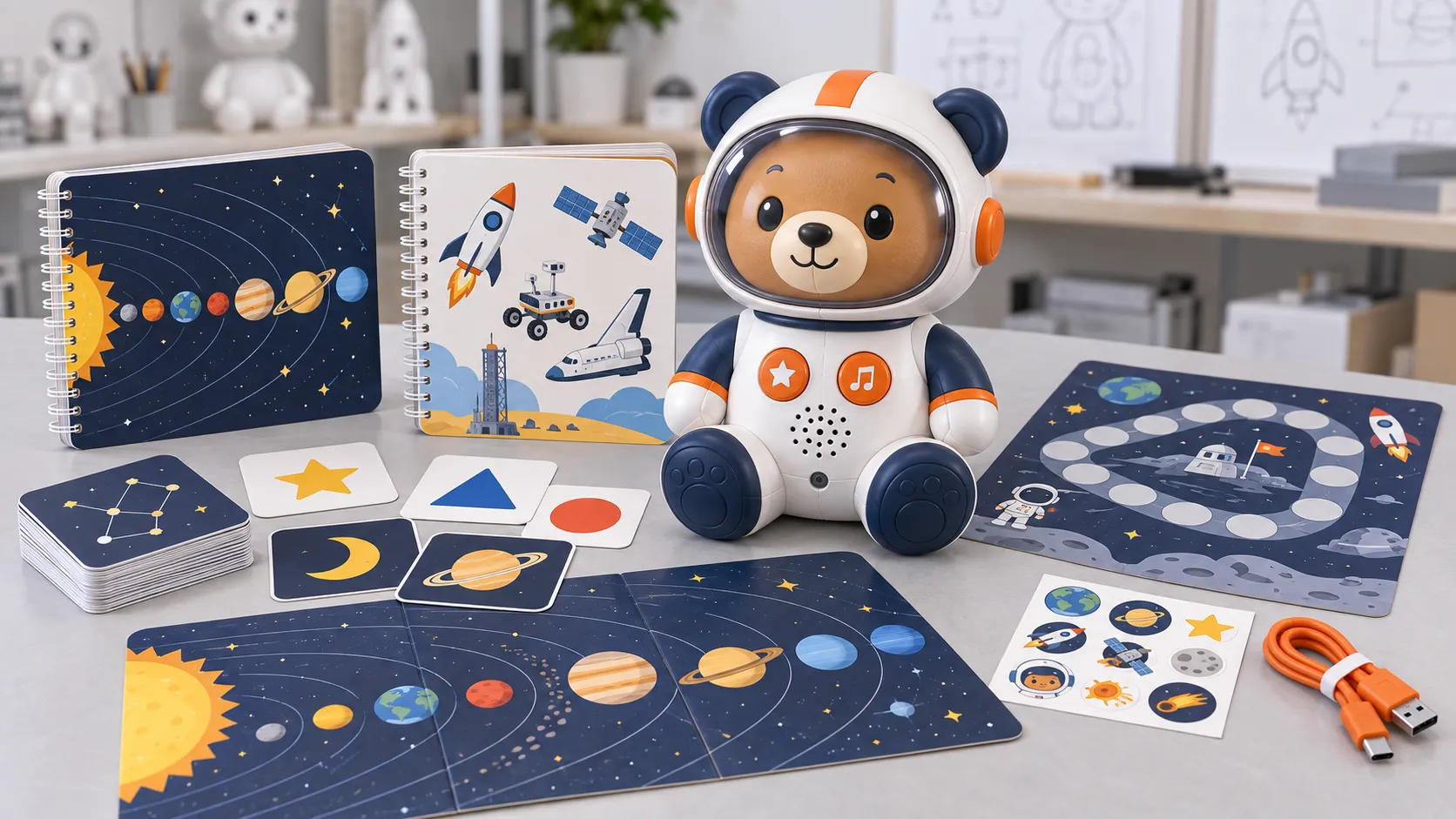
Educational toy audio must be accurate, understandable, engaging and technically compatible with the device. A studio recording can sound excellent through headphones and perform poorly through a small speaker. A translation can be linguistically correct but too long for the interaction. A folder of final WAV files can still fail in production when filenames and content IDs are unclear.
The workflow therefore begins before recording. The team defines learning objectives, audience, pronunciation authority, character voice, interaction timing, languages and file structure. Recording, editing and device encoding follow the approved content database. Mapping and physical sample tests confirm that every button, card or touchpoint plays the intended response.
This guide explains a repeatable process while leaving creative and technical settings to the actual project. It emphasizes approvals, traceability and device testing so buyers can scale from one language or title to a controlled product family.
What makes educational toy audio production-ready?
Production-ready educational toy audio uses an approved script, qualified pronunciation review, suitable voice direction, clean masters, consistent editing and loudness, stable content IDs, device-compatible delivery files, a released mapping database and physical playback tests. The package must support factory installation, language verification, change control and future content updates.
The source master and device file serve different purposes. Preserve high-quality edited masters for future processing, then create device-ready versions using the format and settings supported by the selected hardware. Avoid destructive processing of the only master copy.
Content IDs should remain stable even when words or filenames change. An ID can connect script, translation, actor take, master, device file, print touchpoint and test result. This prevents late renaming from breaking the audio map.
Approval must include physical playback. Small speakers emphasize some frequencies and hide others. Test speech, music and effects inside the intended housing at normal volume, with the current firmware and interaction timing.
1. Prepare a recordable, traceable script database
Give every line a unique ID and record source text, context, character, pronunciation notes, language, maximum timing if relevant and approval status. Separate spoken content from on-page text when they differ. A narrator needs to know whether a line introduces a lesson, responds to a correct answer or names an isolated object.
Write for listening and age. Short sentences, clear rhythm and concrete instructions are easier to understand through a small speaker. Avoid unexplained wordplay in multilingual projects. For phonics or pronunciation products, define the target accent and educational method with a qualified content reviewer.
Freeze the recording script by batch. Late text changes are normal, but they should create a revision and targeted pickup list. Do not let edits circulate in email without returning to the master database.
2. Cast and direct voices for the product application
Choose voices based on clarity, character, target market and content volume. A playful character voice may suit rewards but become tiring across hundreds of vocabulary items. A narrator should remain consistent over future titles, so discuss availability and rights before building the brand around one performance.
Provide direction samples and pronunciation references. Record auditions using actual lines and test them on a representative device. A voice that sounds warm in a studio may lose consonant clarity through the final enclosure. Native-language stakeholders should approve casting for each locale.
Commercial terms should address usage, territories, duration, derivatives, pickups and source delivery as appropriate. Use qualified contracts and respect performer and music rights. The factory should not assume that a buyer's reference audio may be copied.
3. Record consistent sessions with controlled takes
Use a stable recording environment, microphone chain and session template. Capture clean speech without excessive room sound or background noise. Record technical slates outside final files and keep take references linked to content IDs. Back up sessions and preserve raw material according to the project agreement.
Direct pace, energy and pauses for the interaction. A single vocabulary word needs a different delivery from story narration or a quiz instruction. Keep enough silence for natural playback but avoid long tails that make the device feel slow. For songs, confirm composition, arrangement and performance rights.
Record pickups under matching conditions. If the original actor or setup is unavailable, differences may be obvious when files play consecutively. Maintain voice notes and reference tracks for future titles.
4. Edit and process for clarity, consistency and small speakers
Edit noise, mistakes, unwanted mouth sounds and inconsistent spacing without making speech unnatural. Apply processing carefully. Aggressive noise reduction or compression can create artifacts that become more noticeable through a small speaker. Keep high-quality masters before device encoding.
Normalize perceived level across lines, speakers and content types using a defined workflow. Songs and effects may intentionally feel different from narration, but accidental jumps can surprise children and make volume controls ineffective. Listen in sequence, not only file by file.
Use naming and metadata generated from the content database. Automated export can reduce human renaming errors, but verify the resulting file count and IDs. Store masters, approved edits and device files in separate controlled locations.
| Audio layer | Purpose | Control |
|---|---|---|
| Raw session | Original recorded material | Session, actor, language and take backup |
| Edited master | Approved clean source | Stable content ID and revision |
| Device file | Hardware-compatible playback | Format, package version and mapping |
| Installed package | Released SKU content | File count, checksum or diagnostic verification |
5. Control multilingual adaptation and approvals
Translate meaning in context, not isolated spreadsheet cells. Provide image, activity and timing references. A target-language line may need restructuring to remain age-appropriate and fit the interaction. Preserve the stable content ID so every locale remains aligned.
Use qualified native reviewers for script and recorded audio. The reviewer should check pronunciation, naturalness, grammar, pedagogy and market suitability. A production operator can verify that a file exists, but not whether the language is correct.
Plan SKU and language switching. One device may contain several languages or separate models may carry one locale. The release matrix should connect hardware, firmware, audio package, print, manual, retail box and barcode for each version.
6. Map audio to physical interactions and firmware states
Map each button, card, code or answer state to a stable content ID and expected response. Include navigation, correct and incorrect feedback, repeats, language prompts and errors. Avoid mappings that exist only inside one technician's software project.
Test sequences, not only individual files. Confirm interruptions, repeated touches, rapid card changes, mode switching and low-power behavior. An audio file can be correct while the product plays it at the wrong time or prevents the learner from continuing.
Use representative production print and hardware. For talking pens, verify coded pages. For flash cards, verify every sampled identifier and orientation. For sound books, confirm button artwork and page sequence. Record results against the release map.
7. Release, install and inspect production audio
Create one released package per SKU or supported configuration. Record firmware, audio version, file count, total size, language, date and approver. Restrict programming stations to current packages and remove obsolete masters from production access.
Verify installation using an appropriate diagnostic: spoken version, test code, checksum, file count or controlled interaction set. The method should detect a wrong language or incomplete package before assembly and packing. First-article approval should include real content playback.
Shipment inspection should confirm the packed language version, representative audio, mapping, speaker performance, controls, manuals and packaging. Keep batch traceability so reported content defects can be linked to the installed release.
Establish an audio acceptance process before studio recording
Approve a representative voice test
Ask shortlisted voices to record actual difficult lines: short labels, instructions, excited rewards, proper nouns, numbers and any phonics or bilingual content. Audition through the intended device as well as studio headphones. A warm performance can lose intelligibility after compression and a small speaker, while a technically clear voice may not fit the character or learner age.
Document pronunciation, pace, tone, character direction, energy range and forbidden improvisation in a voice guide. For educational material, use subject and native-language reviewers where needed. Approve a small representative batch before recording thousands of prompts so direction can be corrected without expensive pickups.
Control files from script ID to device package
Every script row should have a stable content ID, final text, language, speaker, pronunciation note, mode and target filename. Record takes and editing status against that row. Automated naming can reduce errors, but human review must confirm that the spoken phrase matches the approved text and that no leading syllable or ending is clipped.
Keep archival masters separate from device-ready files. Document sample rate, channel format, loudness approach, silence, codec and any normalization used for firmware packaging. If music and effects are mixed, verify licensing and keep speech prominent. The release manifest should connect each final file to firmware or content mapping.
Inspect audio as part of the finished product
Engineering validation should test quiet speech, loud rewards, similar prompts, maximum file length and transitions on production-intent hardware. Listen for distortion, noise, inconsistent level, delayed playback and truncation at low battery. Confirm that volume steps and language switching behave as specified.
During shipment inspection, use a controlled functional sample rather than trying to listen to every file on every unit. Verify firmware and audio package identity, test critical prompts and random content, and check speaker output and controls across sampled cartons. Preserve an approved device and checksum so complaints can be compared with the released version.
For reorders, review new recording pickups and old files at their transition points. A newly edited prompt may have a different perceived level or silence even when it meets the same numerical setting. Listen to the sequence as the user hears it, update the manifest and require explicit approval before replacing the released package.
Frequently asked questions
What audio format should an educational toy use?
Use the format and settings supported by the selected hardware and firmware. Preserve high-quality masters, then create and test device-ready files rather than recording directly into a compressed delivery format.
Should children's voices be used in learning toys?
They may suit some products, but evaluate clarity, performance consistency, rights, safeguarding and future pickup availability. Adult performers can also create child-friendly voices.
How should toy audio files be named?
Use stable content IDs linked to a database. Device filenames may follow platform rules, but the relationship to script, language, master and interaction should remain traceable.
Who approves multilingual pronunciation?
A qualified native-language reviewer familiar with the target audience should approve scripts and recordings. File presence or factory testing does not replace linguistic review.
Why test audio through the actual toy?
The speaker, amplifier, enclosure and firmware affect clarity, loudness and timing. Studio headphones cannot represent the final product experience.
How is the correct audio package verified in production?
Link each SKU to a released package and use file records, diagnostic playback, checksum or controlled interactions to confirm installation before packing.
Conclusion
Educational toy voice recording becomes production-ready when creative, linguistic and technical decisions share one controlled content system. Stable IDs, approved masters, device processing, mapping and physical tests protect the learning experience.
Plan audio before the studio session and preserve traceability through factory installation. That makes corrections, new languages and future titles easier while reducing wrong-file and wrong-SKU risks at shipment.
Authoritative references
Requirements change and differ by product. Use the current official source and qualified professional advice for the final project.