
Interaction choice
Match touch, insertion, buttons or physical answer pieces to the learner and content.
Select an interaction that turns books, cards, characters or hands-on activities into a clear learning experience without a display.
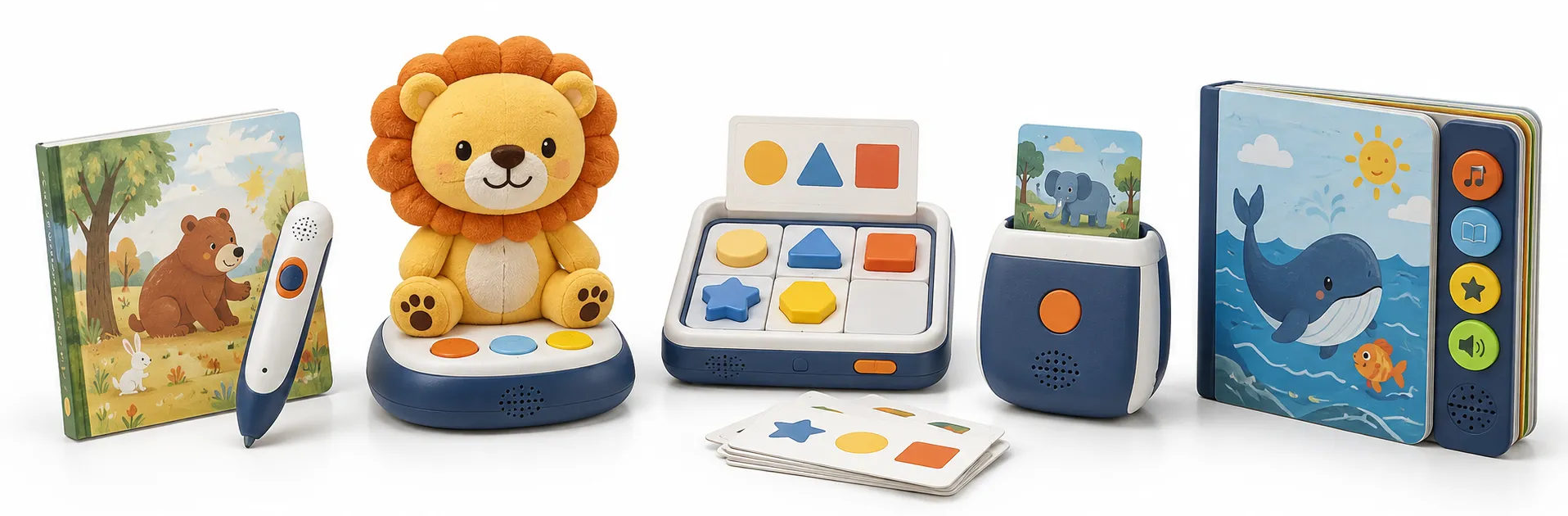
Match touch, insertion, buttons or physical answer pieces to the learner and content.
Organize audio, firmware and printed materials without depending on a screen or account setup.
Keep startup, repeat, volume and error recovery understandable for the target age.
Plan books, decks, languages or activity packs around a stable released platform.
The best platform is the simplest one that lets the child repeat the desired activity and lets the factory test the complete experience.
Use an OID pen when many objects, words or page touchpoints need distinct audio.
Use a talking reader when the product form carries the story or brand identity.
Use a flash-card machine for simple vocabulary and recognition routines.
Use a logic device when the child should manipulate pieces or answer structured challenges.
A screen-free program still needs controlled hardware, firmware, content mapping, user instructions and factory verification.
Review your requirements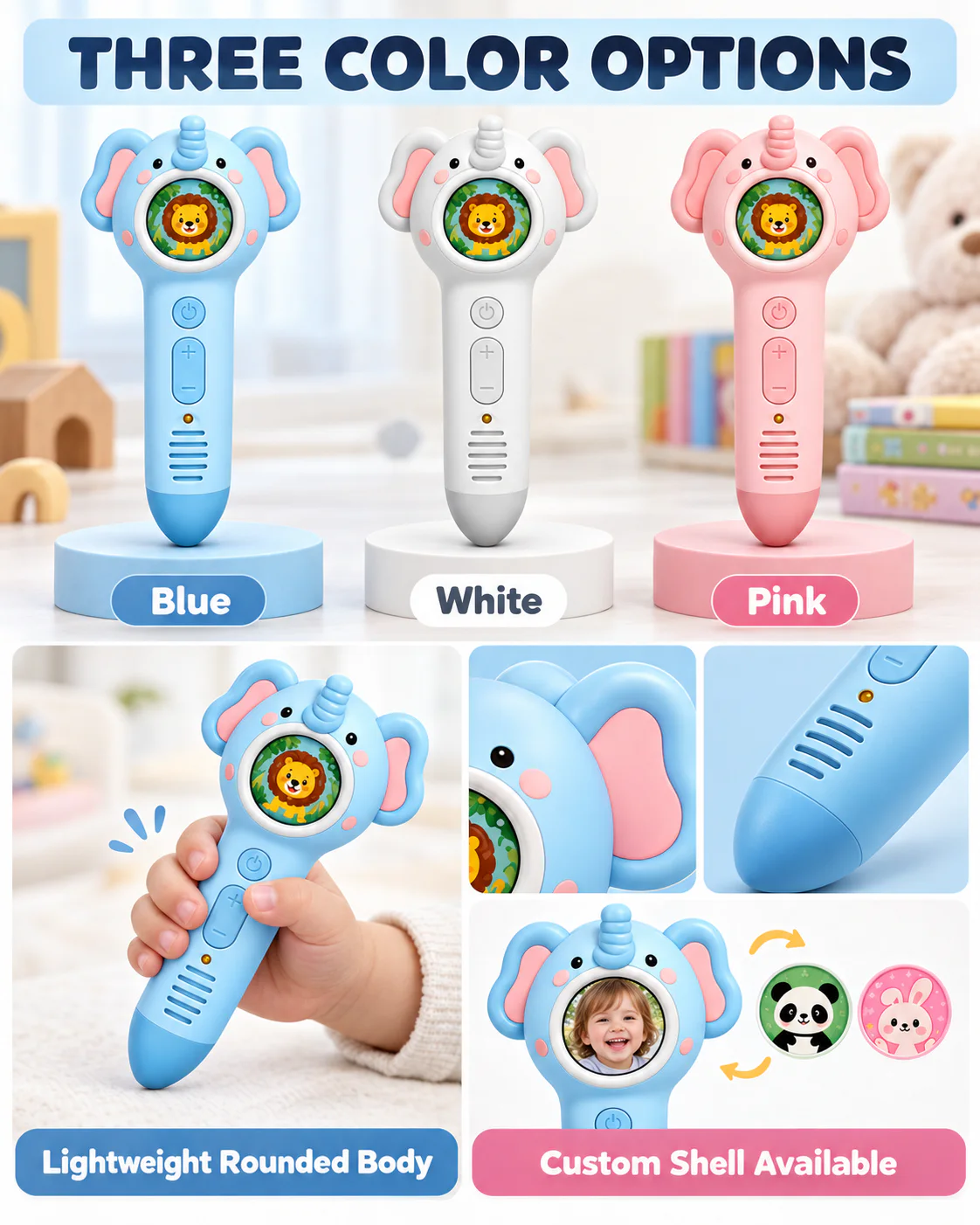
Touch, insert, press, place, match or solve.
Narration, vocabulary, sound, music, prompts, lights or answer confirmation.
Books, cards, stickers, task pieces and storage.
Memory, firmware, code or card identity and language behavior.
Future content, replacement parts, language editions and repeat-order compatibility.
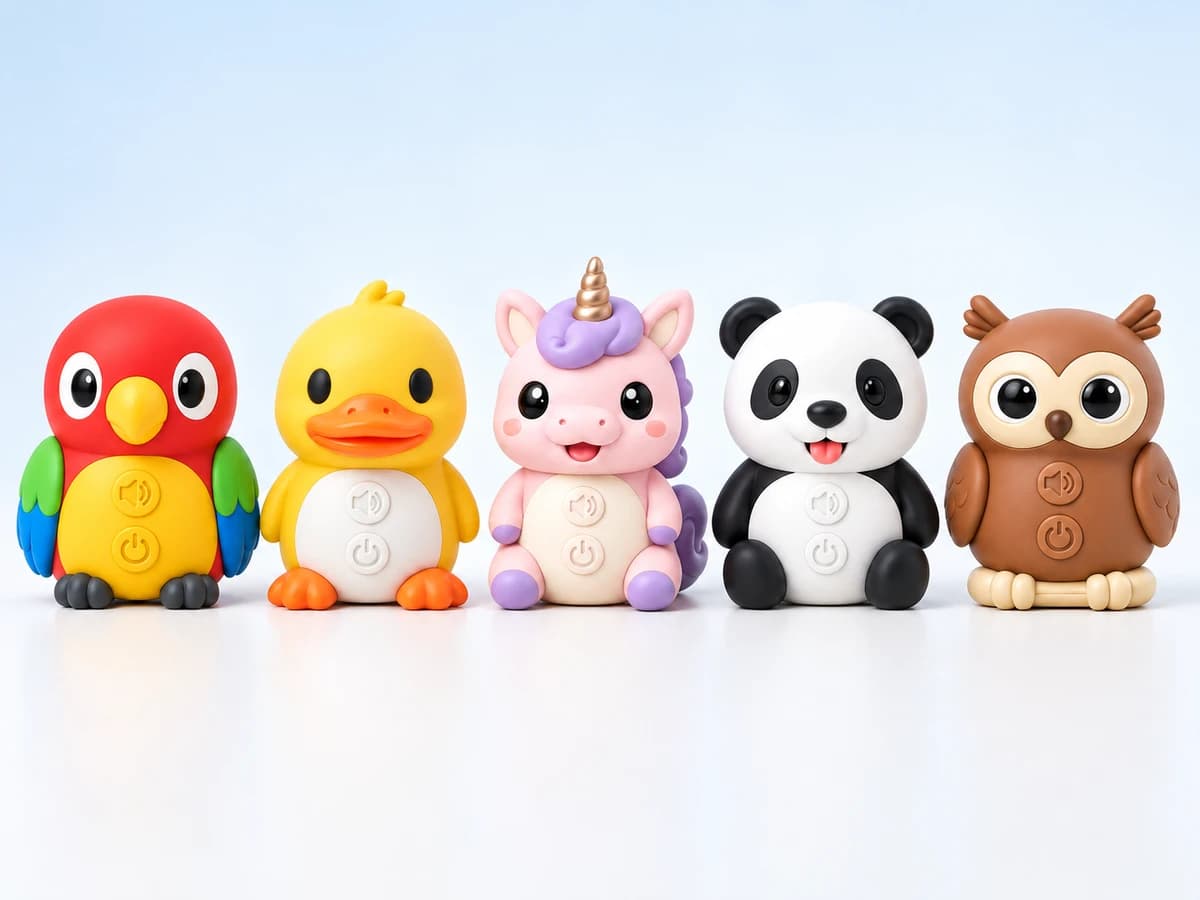
Different channels can use the same underlying platform when content, durability, package and replacement needs are planned explicitly.
Use spoken vocabulary, pronunciation and simple prompts with physical pictures.
Connect a recognizable product form with narration, songs and themed content.
Use simple, repeatable interactions and organized content sets for guided activities.
Create compact offline sets without apps, accounts or wireless setup.
A simple-looking device can require extensive books, cards, mapping or audio work, so the quotation must cover the complete learning set.
Request a scope review| Decision | What we confirm | Why it changes the quotation |
|---|---|---|
| Platform | OID pen, character reader, flash-card machine, logic device or sound book | Changes interaction, hardware and content production. |
| Content volume | Touchpoints, cards, pages, tracks, languages and updates | Changes memory, mapping, print and approval effort. |
| User experience | Controls, prompts, error recovery and adult setup | Changes firmware, instructions and sample testing. |
| Complete set | Printed materials, accessories, storage and packaging | Defines the sellable SKU and unit cost. |
| Expansion | Future titles, decks, languages and compatibility | Changes code, firmware and repeat-order planning. |
Each stage has a tangible output so product, content and commercial decisions stay connected.
Confirm the user, interaction, product configuration, content ownership, target market and commercial assumptions.
Build a representative product with controlled hardware, programmed behavior, content and packaging references.
Close sample issues and verify factory tests, work instructions, pack-out and released files before volume production.
Control the approved configuration through assembly, functional inspection, packing and shipment review.
Product and production evidence
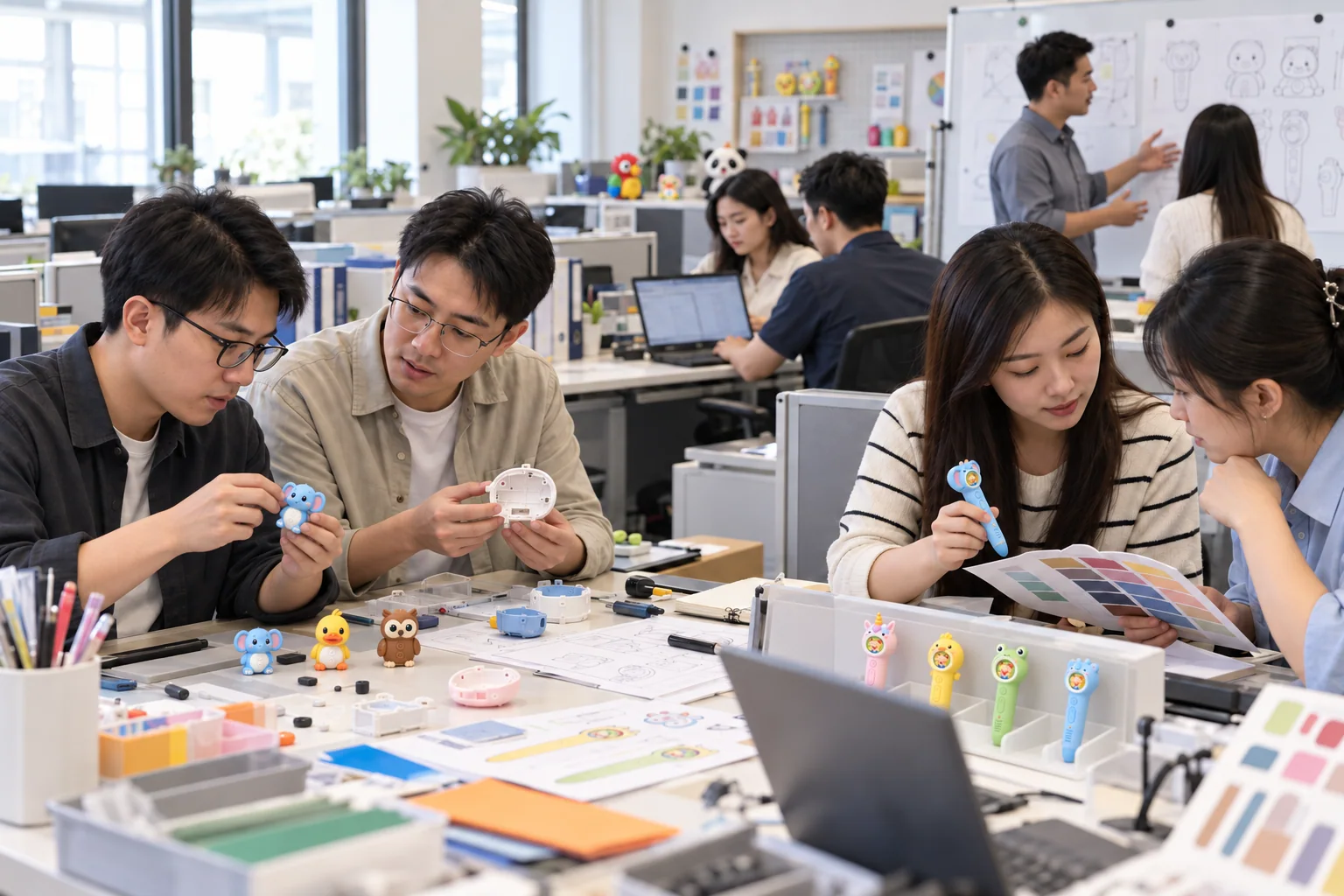
Product, content and commercial requirements are reviewed against the same project brief.
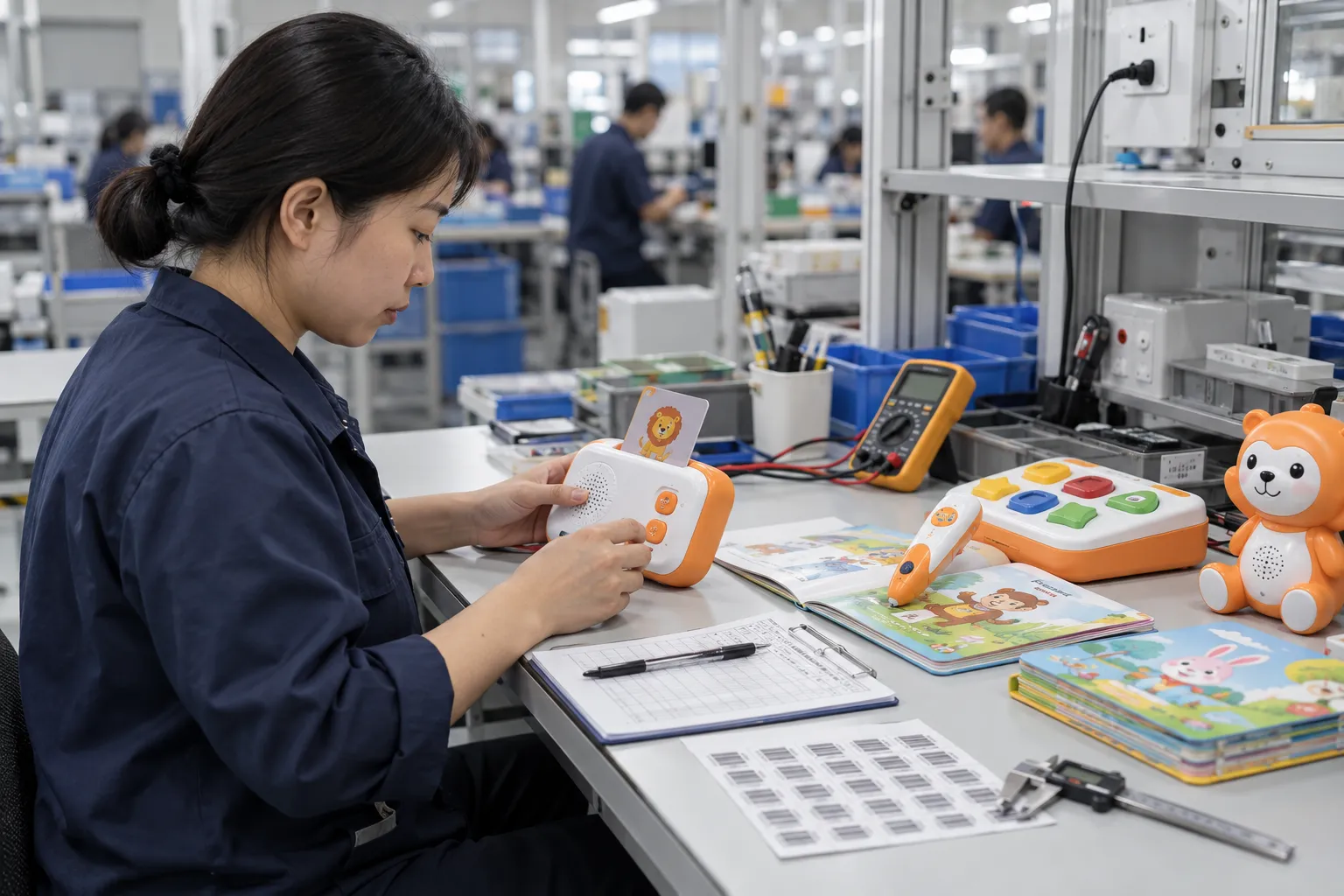
Factory testing links the approved sample with repeatable production checkpoints.
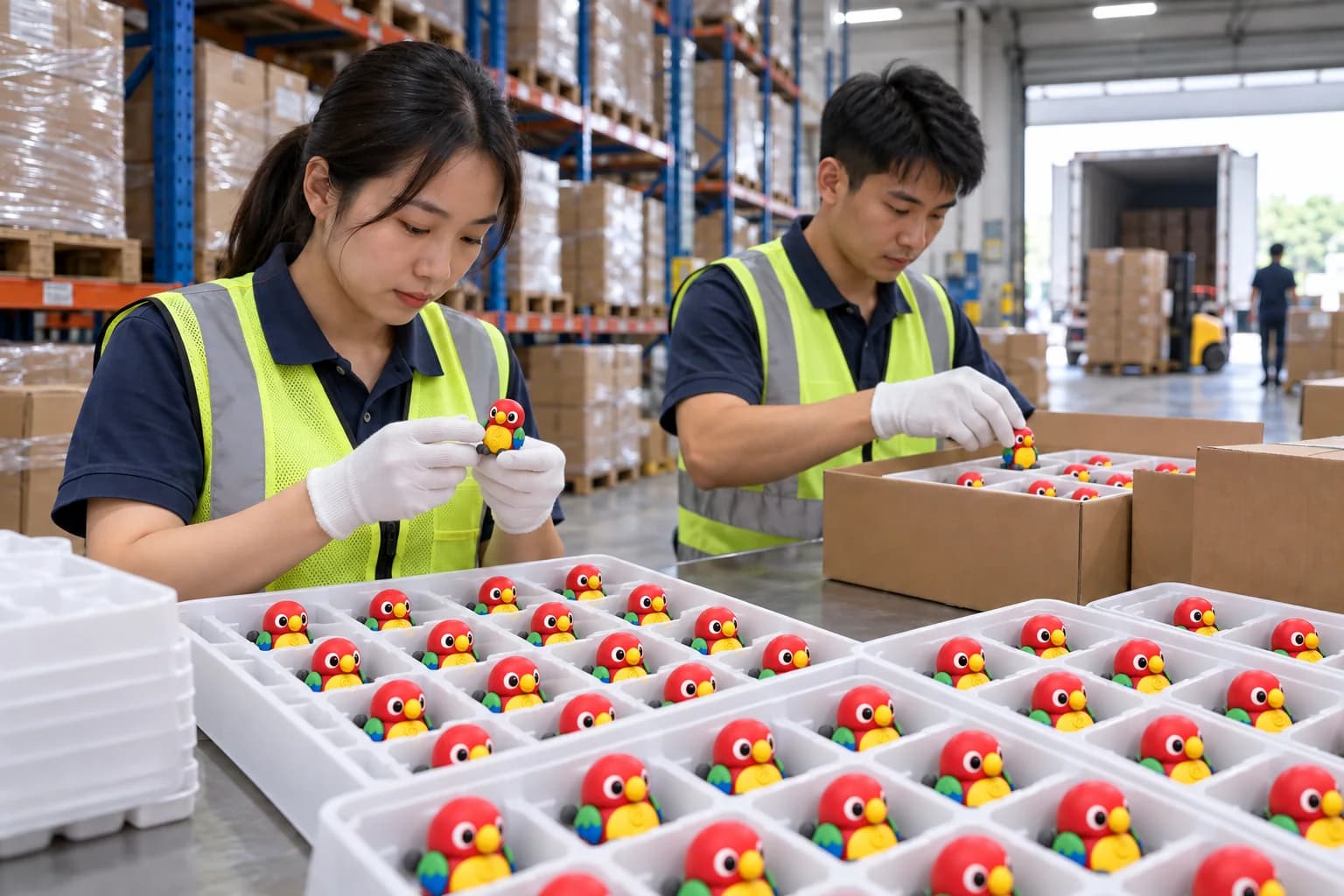
Finished products, accessories, labels and cartons are checked before release.
One clear activity sequence helps select the platform faster than a feature checklist copied from unrelated products.
Practical answers for an initial project review. Final commercial and technical terms belong in the written quotation and approved specification.
It is a learning product that uses physical interaction such as touch, cards, buttons, books or pieces and provides feedback without requiring a visual display.
OID pens suit many detailed touchpoints, character readers suit branded story or language sets, and flash-card machines suit one-card-at-a-time practice.
Yes, when language selection, memory, audio, printed content and SKU identity are planned and tested together.
Future books, decks or language sets are possible when identifiers, memory, firmware and compatibility are reserved in the original architecture.
Yes. Requirements depend on construction, age grade, power source, destination and claims. The final configuration should receive a market-specific review.
Send the learner action, content type, market and quantity for a screen-free product recommendation and quotation scope.