
Multilingual Talking Pen Design: Language Switching, Content Packages and Production Control
A practical framework for deciding whether languages share one pen, separate SKUs or downloadable content—and keeping every version traceable.
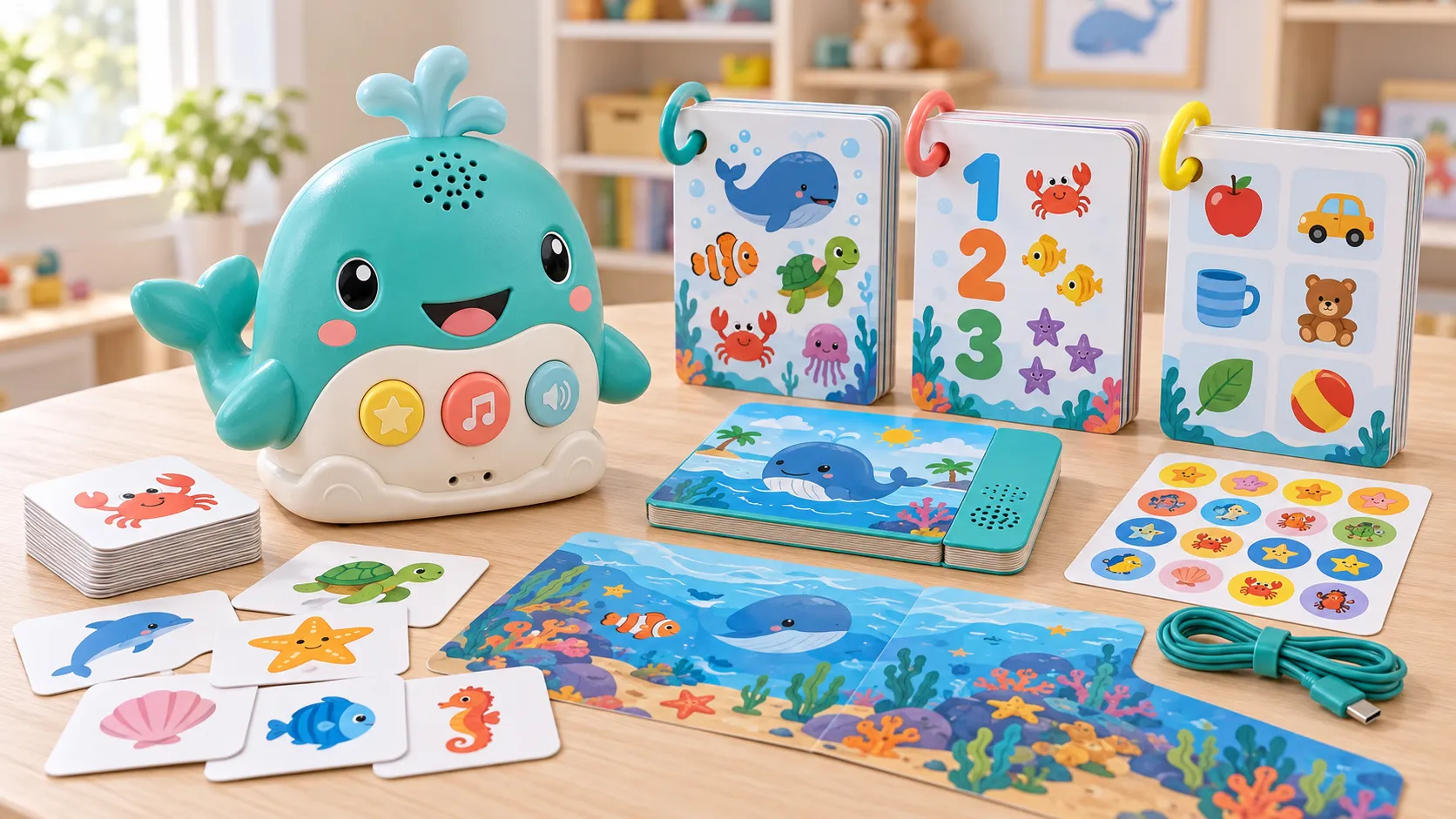
A multilingual talking pen can hold several language libraries, use different printed books for each language or be produced as separate regional SKUs. All three approaches can work, but they create different memory, firmware, packaging, inventory and support requirements.
The most visible question is how the user changes language. The more important production question is how every pen, book and audio package remains compatible. A wrong-language device may function perfectly during a basic test yet still be a major shipment defect.
This guide helps buyers choose a language architecture, prepare content and create factory controls. It does not assume that one pen must contain every market; the best route depends on user experience, distribution and lifecycle plans.
How should a multilingual talking pen be designed?
Design a multilingual talking pen by selecting a clear language architecture, defining how users choose and confirm language, budgeting memory for each approved audio library, using stable language-independent content IDs, localizing scripts and artwork with native review, controlling pen-book compatibility and testing every language, mode, package and SKU before shipment.
First decide whether languages coexist in one device or are separated. A shared pen can simplify hardware inventory and support bilingual learning, but it needs more memory and careful switching. Separate pens can simplify user experience and packaging but increase SKU count and stock risk.
Make the language state visible through a spoken confirmation, label, book menu or other age-appropriate method. The child and caregiver should know which language is active without trial and error. Define whether the choice persists after sleep, shutdown or battery replacement.
1. Compare one-pen and separate-SKU language architectures
One pen with multiple libraries supports mixed-language markets and shared accessories. Confirm total usable memory, startup behavior, switching controls and how expansion titles are installed. Avoid adding languages until the menu becomes confusing or content reserve disappears.
Separate language SKUs may suit distributors who sell one language per country. They need stronger packaging and warehouse identity because the housings can look identical. Use visible model and language codes on product, package, carton and production record.
2. Localize meaning, teaching sequence and voice—not only words
Translate from an approved source, then adapt examples, grammar and cultural context. Vocabulary order, phonics and rhymes may require different content architecture. Native reviewers should assess printed text, spoken audio and the interaction together.
Create a terminology and pronunciation guide. Record gender, number, regional variants and instructional tone. If the same illustration is used across markets, confirm that it represents the intended word and remains culturally clear in each language.
3. Keep content IDs stable across languages and editions
Use a common activity or touchpoint ID while storing language-specific text and audio in separate controlled fields. This supports comparison and reduces mapping errors. Do not force every language to have identical sentence length or file duration.
Version artwork and audio independently but release them as a compatible set. A corrected translation may change only one language, yet the book edition, package statement and firmware package may all need new identity. Preserve a matrix rather than overwriting the old release.
4. Budget memory and expansion capacity realistically
Estimate encoded minutes and file count for every language plus system prompts and reserve. Languages with longer phrasing may consume more audio time. Music shared across languages can sometimes remain common, while speech requires separate masters and approvals.
Ask whether future packs can be added without replacing existing content or firmware. Reserve identifiers and storage deliberately. If expansion requires factory reprogramming, explain that operationally to distributors before promising downloadable content.
5. Design SKU, packaging and instructions for the chosen model
A multi-language package should show included languages clearly and explain switching without crowding critical warnings. A single-language package needs an unmistakable language and model code. Align barcodes, manuals, carton marks and product labels with the commercial SKU.
Plan accessories and books by language. A universal pen packed with the wrong book is still a failed set. Use pick lists, visual controls and scan checks where appropriate. Inspect complete finished packs across cartons, not loose pens only.
6. Test language behavior, content and mixed-SKU risks
Test startup, language selection, confirmation, memory of setting, every system prompt and representative content in each language. Include fast switching, low power, wrong books and unsupported regions. Native listeners should evaluate intelligibility and meaning through the final speaker.
Run deliberate mix-up challenges during pilot production: similar packages, adjacent languages and rework units. Verify line clearance, programming fixture selection, label matching and carton identity. Shipment inspection should sample each language SKU separately rather than treating the combined order as one homogeneous lot.
Implementation record: applying multilingual talking pen design to a real project
Start with a controlled baseline, not an informal sample
For a multilingual product design project, the first useful baseline combines the written requirement, approved physical sample, product configuration, content release and test evidence. Photographing a sample or calling it “approved” is not enough. Record its model, language, firmware or content identity where relevant, materials, accessories, package version and any accepted deviation. The baseline gives purchasing, engineering, the factory line and the shipment inspector the same reference when multilingual talking pen design decisions move from discussion into production.
Run a short cross-functional review before freezing that baseline. The buyer should confirm customer requirements and target market; engineering should identify technical constraints and dependencies; quality should convert critical promises into observable checks; and production should confirm that the proposed method can be repeated at line speed. Open points need an owner and due date. If an assumption cannot yet be verified, label it as provisional instead of allowing it to appear as an approved fact in the quotation or instruction.
Use pilot evidence to expose variation and handoff errors
A pilot is most valuable when it reproduces the intended materials, tools, files, operators, inspection steps and packing flow. Select units from the beginning, middle and end of the run, then test normal use and the difficult conditions identified in the risk review. Record individual results rather than only writing “pass.” For electronic learning products, useful evidence may include version identity, response behavior, audio clarity, power state, repeated interaction and pack-out accuracy, depending on the subject of the article.
Review failures by mechanism and process stage. A symptom found during factory testing can originate in an incoming component, file release, assembly method, fixture, work instruction or inspection rule. Correcting only the failed unit does not demonstrate control. The team should document containment, determine the likely cause, update the source process and rerun a defined verification sample. When evidence is mixed, keep the conclusion narrow and collect more data rather than making a confident but unsupported claim.
Carry the approved decision through shipment and repeat orders
Before shipment inspection, translate the approval package into a concise inspection plan. It should identify critical functions, sample selection, test media or fixtures, cosmetic limits, packaging checks, version verification and the records that must accompany the lot. Random sampling can indicate lot quality, but it does not replace process controls for safety-critical or configuration-critical characteristics. Define any 100 percent checks separately and confirm that their fixtures and pass criteria are controlled.
For reorders, begin from the archived release rather than from a fresh verbal description. Compare the bill of materials, approved suppliers, files, firmware, artwork, labels, test methods and regulatory assumptions. Any proposed substitution should state why it is needed, what characteristics may change and what revalidation is required. This disciplined comparison protects customer requirements when staff, component availability or production timing changes between orders.
Finally, use field feedback as structured input. Record model, lot, market, usage conditions and symptom; compare the report with retained samples and production records; and separate isolated damage from a repeatable pattern. The purpose is not to claim that every project is risk-free. It is to create traceable evidence showing what was specified, what was tested, what was shipped and how new information was handled. That is the practical foundation of trustworthy multilingual talking pen design guidance.
Create a buyer review worksheet before quotation
A useful review worksheet has four columns: requirement, current decision, evidence needed and responsible owner. Populate it first with the six target areas that commonly change a children’s electronic product: user and age, interaction, content and language, hardware and power, package configuration, and destination market. Add the subject-specific decisions from this guide. For each row, state whether the item is approved, open, supplier-proposed or outside the current scope. This prevents an unanswered question from silently becoming a factory assumption and makes different quotations easier to compare.
Use the worksheet during the sample meeting rather than relying on comments scattered across email and chat. Link each decision to a dated file, marked photograph, measured result or physical reference. When the buyer accepts a deviation, record what differs, why it is acceptable and whether labeling, instructions, testing or price changes. Before issuing the purchase order, reconcile the worksheet with the quotation, approved sample and pack-out list. The result should identify one buildable configuration, not a collection of individually approved materials that were never reviewed together.
Add a final column for change triggers. Examples include a different component supplier, edited audio, new language, revised printed content, new package claim, destination-market change or a manufacturing-site move. For every trigger, identify who reviews the impact and which sample, document or test may need to be repeated. This turns the worksheet into a lifecycle control rather than a one-time RFQ form. It also gives customer service and reorder teams a faster route back to the evidence behind the released product. Record the decision date and effective production lot so warehouse stock, shipment inspection and later complaints can be compared with the correct configuration across changing commercial production conditions.
Frequently asked questions
Can one talking pen support several languages?
Yes, when memory, firmware, controls and content structure are designed for it. Confirm how languages are selected and which books are compatible.
Is a bilingual pen better than separate language pens?
It depends on the learner experience, market and inventory plan. A shared pen reduces hardware variants; separate SKUs can simplify use and regional packaging.
Should every language use the same audio duration?
No. Preserve meaning and natural speech. The firmware and content map should tolerate language-specific duration within platform limits.
How are language mix-ups prevented in production?
Use unique version and SKU codes, controlled programming, line clearance, matched labels and books, carton checks and per-language shipment sampling.
Can languages be added after production?
Only if the platform, memory, update method and commercial support plan allow it. Define expansion before promising the feature.
Who should approve localized content?
Use native-language and subject reviewers, plus brand and product owners. The factory validates file, mapping and device integration rather than replacing language expertise.
Conclusion
Multilingual talking pen design starts with a commercial and user-experience architecture, then connects every language to controlled scripts, audio, IDs, books and SKUs. Treat language as a product configuration, not a folder copied at the end.
A compatibility matrix and per-language inspection plan make global expansion repeatable. They also give distributors and support teams a clear way to identify what was actually shipped.
Authoritative references
Requirements change and differ by product. Use the current official source and qualified professional advice for the final project.