
Touchpoint planning
Define what each word, image, icon or activity area should trigger.
Connect page artwork, touch zones, audio files, firmware and physical print through one controlled integration workflow.

Define what each word, image, icon or activity area should trigger.
Keep language, filename, version and approved response aligned.
Integrate the code layer with editable artwork and production output.
Check recognition using the intended pen, print method and finished page structure.
Recognition quality depends on artwork layout, touch-zone boundaries, code allocation, audio naming, firmware and physical print working together.
Editable source files allow controlled code placement and production revisions.
Large, clear targets reduce ambiguous overlaps and unintended responses.
Stable filenames and approved scripts prevent content-version errors.
Production-intent printed output reveals issues that cannot be confirmed on screen.
The map identifies the page, target area, code reference, expected audio, language and behavior so artwork, firmware and testing teams use the same source of truth.
Review your requirements
Final page dimensions, binding direction, layers and print notes.
Page reference, target description, code allocation and expected response.
Approved script, voice file, language, filename and version status.
Code range, playback behavior, repeat, volume and mode logic.
Printed sample tested for recognition, content accuracy and finished construction.
Books, cards, posters and worksheets use different layouts, but each needs clear targets, controlled files and physical verification.
Map narration, character dialogue, music and environmental sounds.
Link images and words to pronunciation, phrases and review prompts.
Build repeatable classroom or home-learning activities.
Control separate audio libraries, versions and language-selection behavior.
Page count alone does not define the integration workload; touchpoints, languages, audio status and proof cycles also matter.
Request a scope review| Decision | What we confirm | Why it changes the quotation |
|---|---|---|
| Artwork format | Editable source files, dimensions and binding | Determines preparation and revision effort. |
| Touchpoint volume | Number and density of coded targets | Changes mapping, checking and code allocation. |
| Language versions | Separate SKUs or selectable languages | Changes audio libraries, firmware and proofing. |
| Audio responsibility | Customer-supplied or production-prepared recordings | Changes content work and approval ownership. |
| Print scope | Proof only or full book/card production | Changes material, finishing and inspection requirements. |
Each stage has a tangible output so product, content and commercial decisions stay connected.
Review representative pages, audio status and intended interaction.
Build the touchpoint list, code allocation and controlled audio library.
Prepare artwork and firmware, then produce physical coded samples.
Verify recognition and content accuracy before production files are released.
Product and production evidence

Artwork, code and audio review before physical proofing.
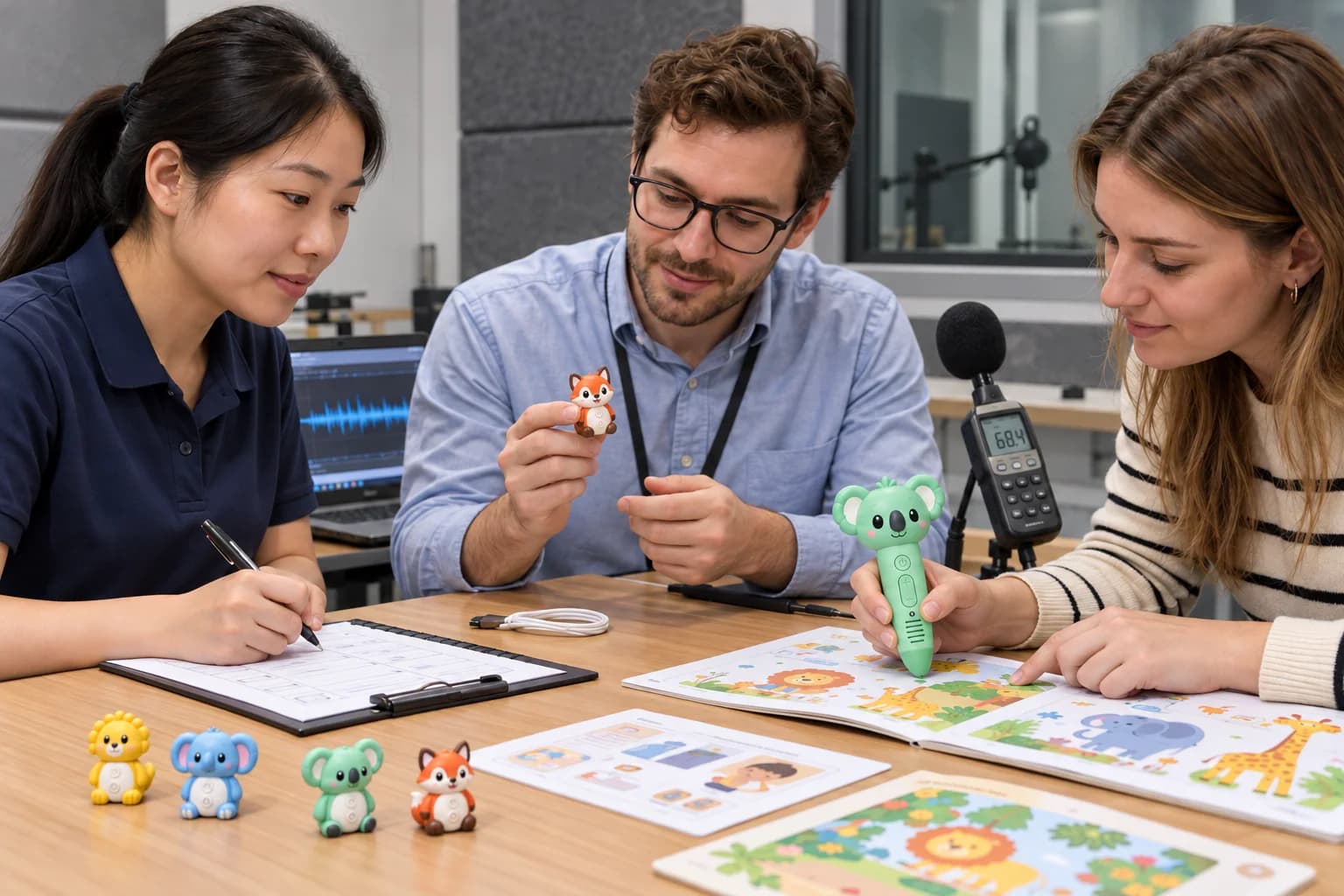
Integrated sample testing against intended user actions.
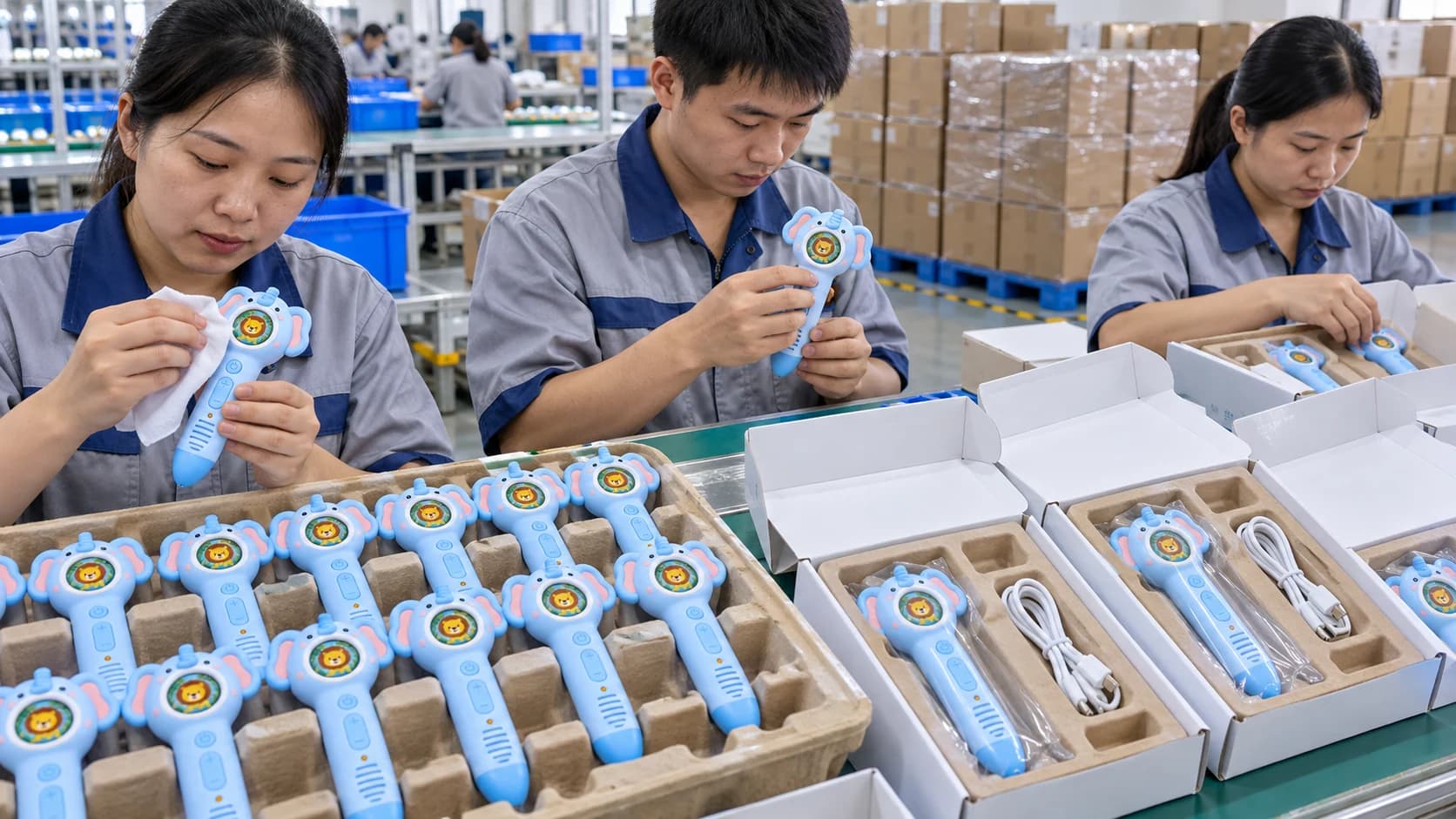
Compatible pen platform prepared under production controls.
A small, representative set can expose artwork, touch-zone and audio issues before the entire title is mapped.
Practical answers for an initial project review. Final commercial and technical terms belong in the written quotation and approved specification.
Editable artwork can be reviewed for code placement and touch-zone planning. Some layouts may need adjustment near edges, folds, dense illustrations or overlapping targets.
The practical number depends on target size, spacing, artwork, interaction design and code strategy. A representative page test is more reliable than a universal limit.
Yes, when the language-selection method, code ranges, audio libraries, memory and user flow are defined together.
Digital artwork cannot confirm recognition through the intended ink, finishing, board thickness, binding and final page construction.
The project can align coded print, audio mapping, compatible firmware, pen configuration and package contents under one reviewed specification.
Send three pages, the intended audio response and your pen direction for a focused integration review.